Material Cleaner Pro
A full material browser with conservative duplicate merging, slot cleanup and texture-size review.
$12USD
Small, careful add-ons for the knotted parts of a Blender project: messy materials, heavy textures, and getting help without leaving the viewport.
Each add-on does one thing and shows you what it's about to change. All three are currently in review on Superhive.
A full material browser with conservative duplicate merging, slot cleanup and texture-size review.
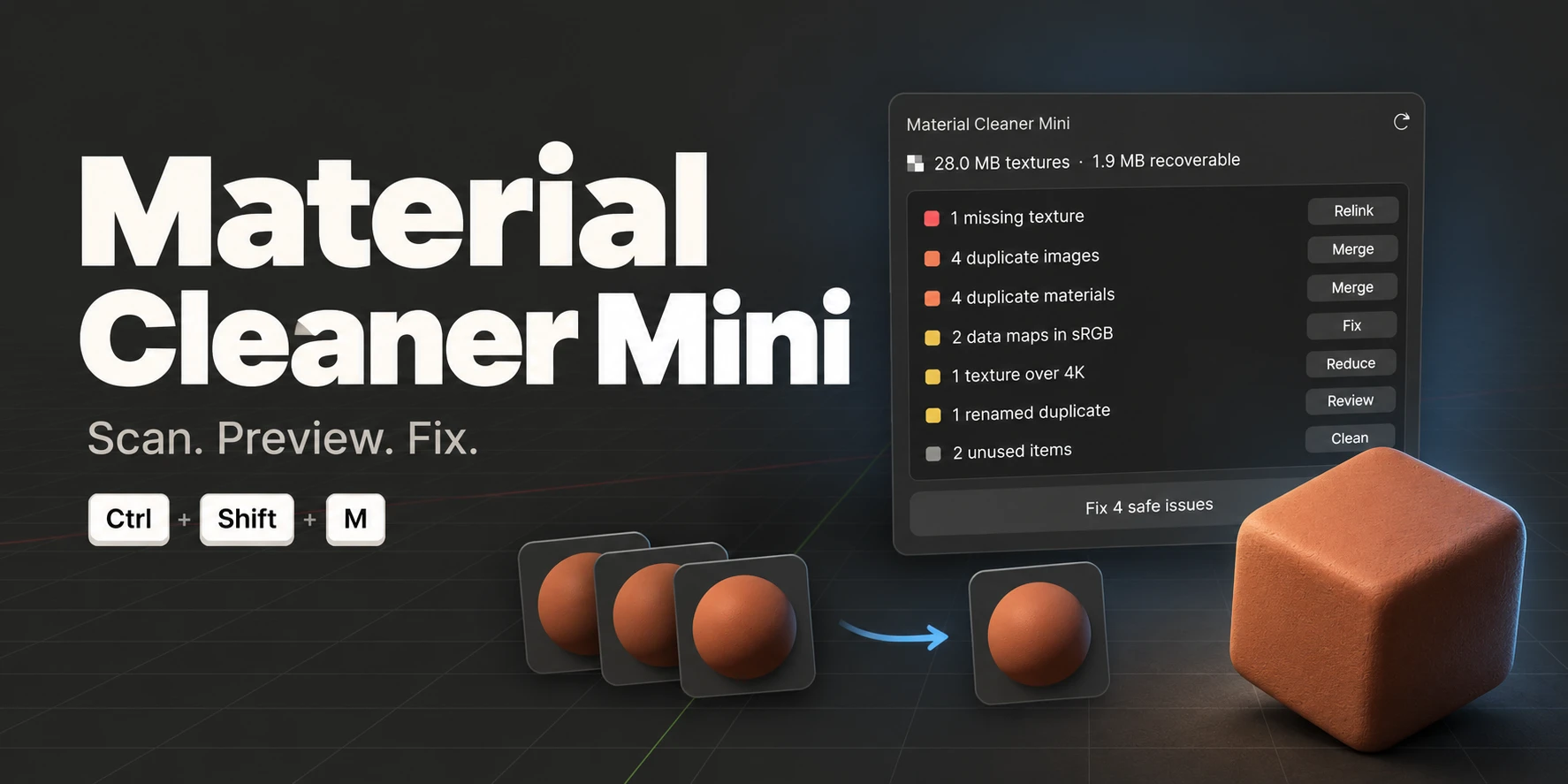
One popup, seven checks. Preview every change, then fix the safe ones in a single undo step.
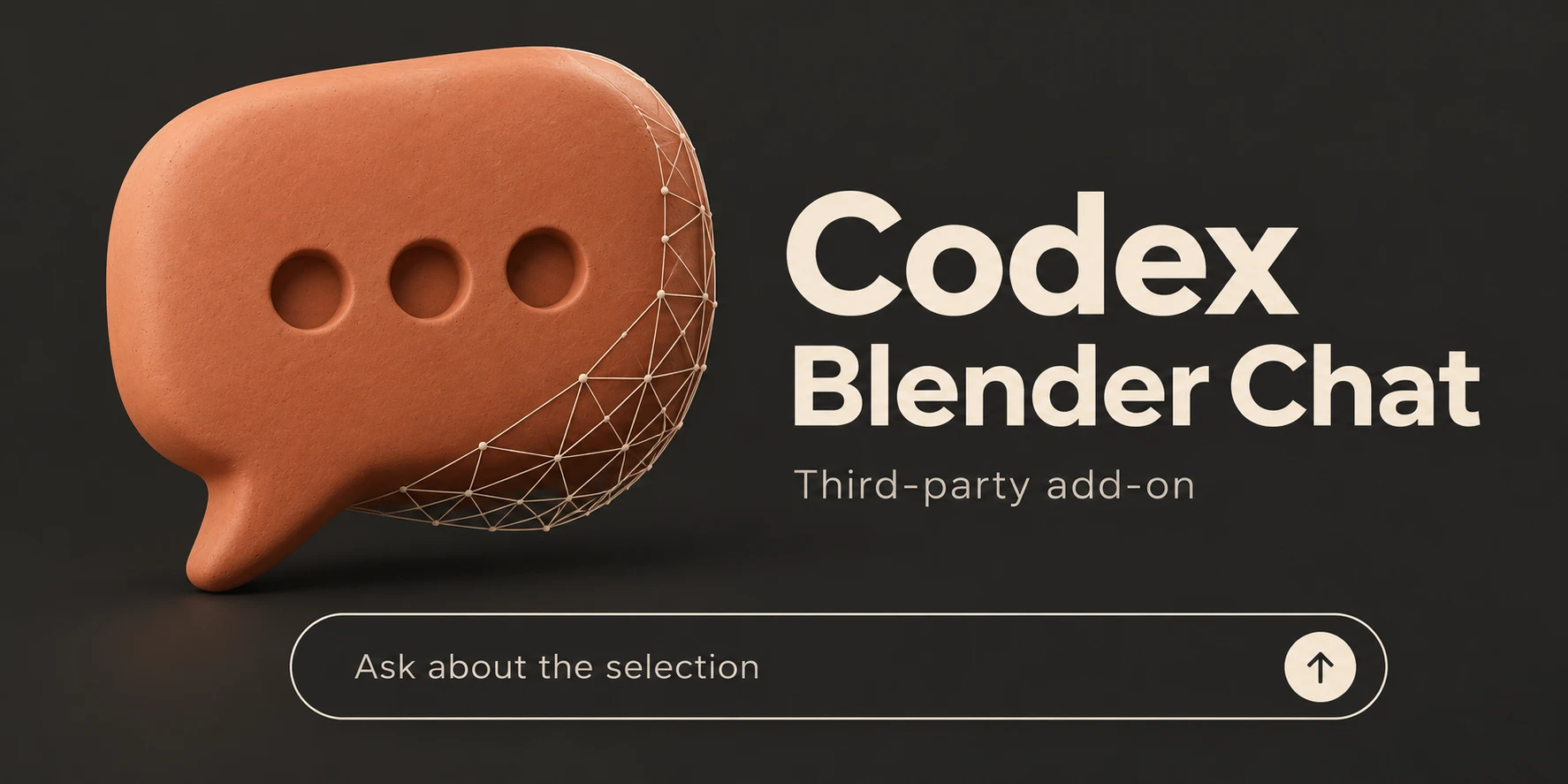
A chat bar inside Blender that works with your selected objects. Third-party add-on, early access.
For scenes that got heavy. Get your overview back, find where each material is used, and clean up on your terms.
Texture memory figures are estimates. Resizing can remove fine detail.
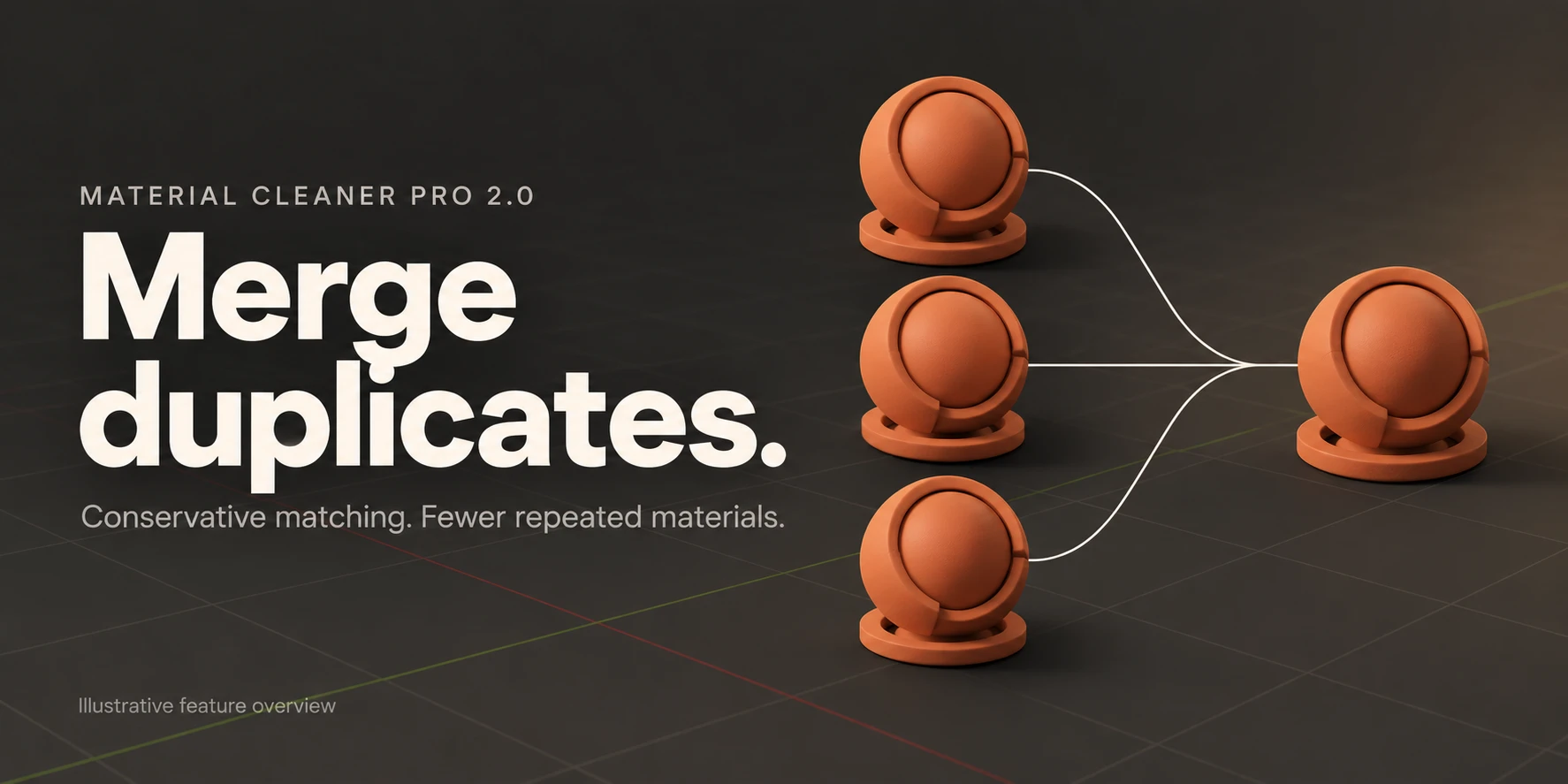
Merge duplicates. Conservative matching.
The quick pass. Press Ctrl+Shift+M anywhere, read one list, and let the safe fixes run while you keep working.
Relinking, resizing and renamed merges always wait for your OK.
Scan. Preview. Fix.
Ask for a change in plain words and watch it happen on your selection, without leaving the viewport.
Stopping a request doesn't reverse edits already applied. Available models depend on your account.
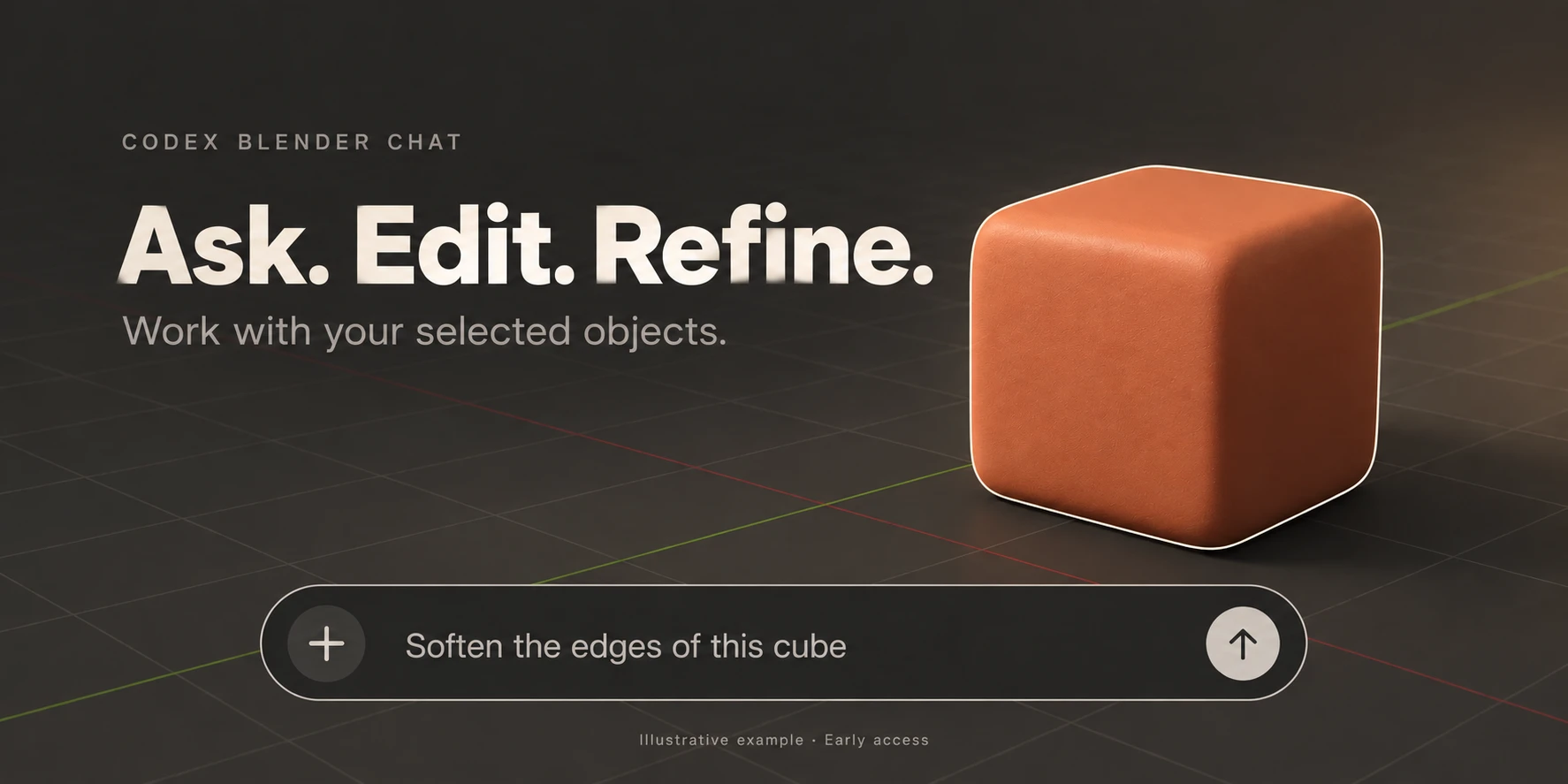
Ask. Edit. Refine.

Findings, previews and reviewable edits come before anything changes in your file.Pro · Mini · Chat
Changes go through Blender's undo, so Ctrl+Z brings your scene back.Pro · Mini · Chat
When a figure is an estimate, we call it one. No promised speed-ups, no imaginary VRAM.Pro · Mini
All bashpacks add-ons are sold on Superhive, the Blender marketplace. They're in review right now.
Visit bashpacks on Superhive ↗